Claim your Business Directory Listing & Update your Listing

Help customers and suppliers find you by making sure your details are complete and up-to-date. Claiming and updating your directory listing is easy.

Claim my directory listing:

Step 1: Find your listing on the directory.
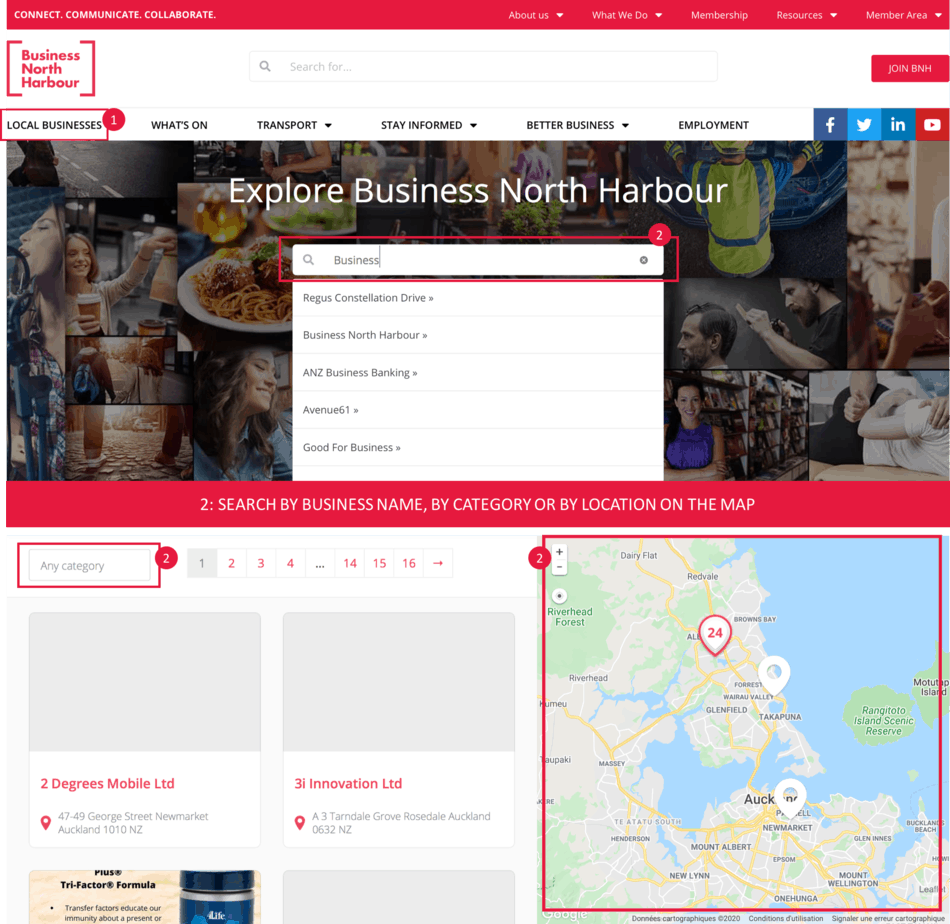
Step 2: Click the “Claim it now” button.

Step 3: Register your details.
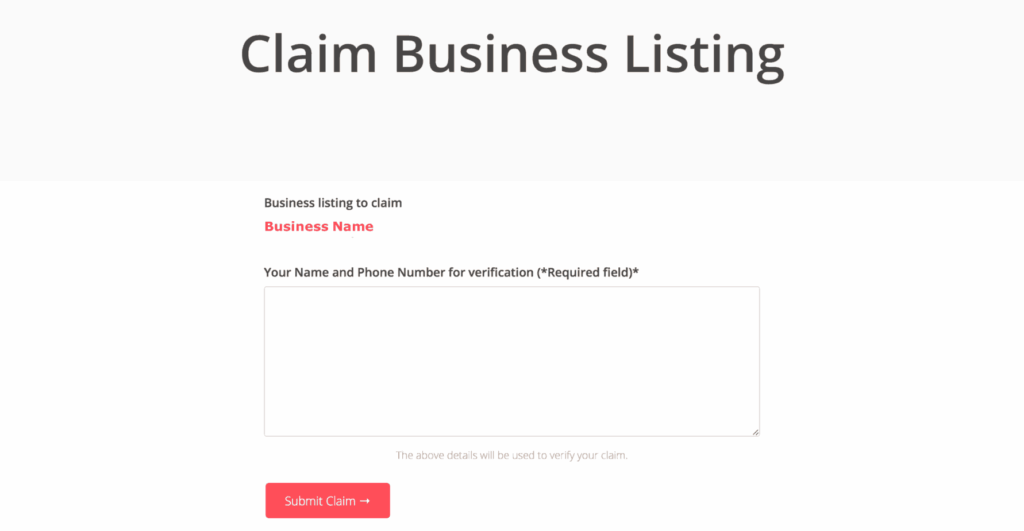
I have claimed my Business Listing. What should I do now?

“This new directory is designed so that you can include images, logos, opening hours, parking information and much more. We wanted it to be as user-friendly and reader-friendly as possible,” explains Kevin (BNH General Manager).

You’ll now appear as a Verified Listing (See below).

Once you’re a Verified Listing, make sure your information is accurate, upload your business logo and an image, add your business hours, etc.

I can’t see my listing, what should I do?

If you can’t see your listing, please contact Kate Thorpe via admin@businessnh.org.nz and she will add you to the system.

Share This Article

Facebook
Twitter
LinkedIn
WhatsApp

Ben Yang

Author

BNH Ambassador and Digital Marketer

bnh-admin

Author

BNH Ambassador

bnh-admin

Author

BNH Ambassador and Digital Marketer

Platinum Partners

Ingham North Harbour

Ingham, one of New Zealand’s largest car dealers, has a wealth of expertise derived from over five decades in the automotive industry. Their dedication to providing top-notch sales and service is second to none. With Hyundai North Harbour as part of its portfolio, customers can expect a comprehensive selection of new and used vehicles to choose from.

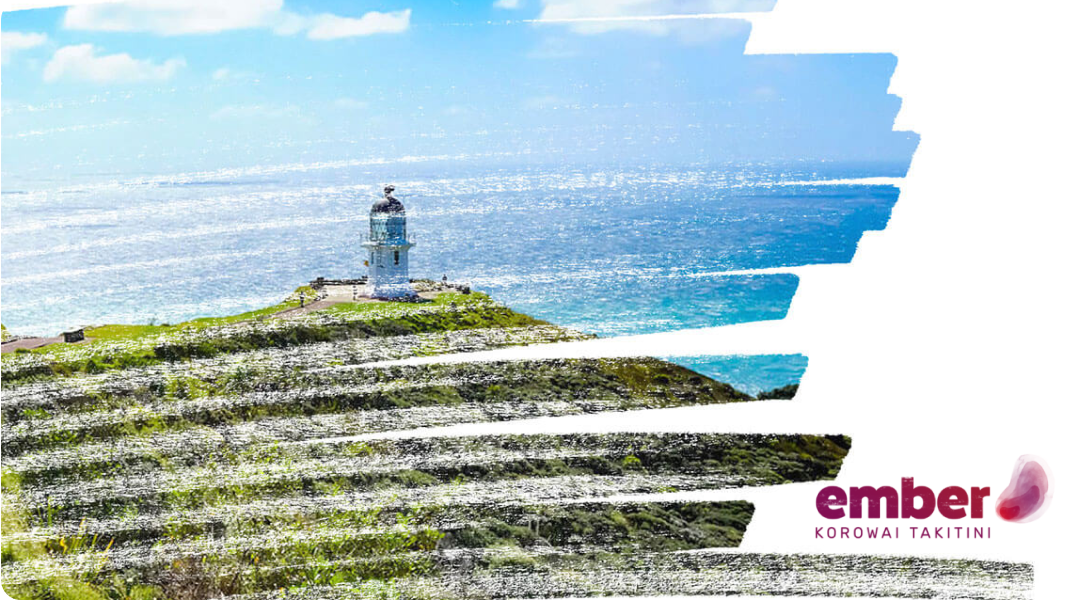
Ember Korowai Takitini

Ember Korowai Takitini was created when Framework Trust and Connect Supporting Recovery merged in 2019; two organisations each with a distinguished history and reputation in the mental health, addictions and intellectual disabilities sector that shared similar goals of client-centred services, excellence, integrity, collaboration and sustainability.

Gold Partners

Silver Partners